Launch Software
Find the UCDS icon on your desktop and double-click it.
Note
Please note that running the program may be enough long. This is due to the resource intensity of the program, as well as the performance of your PC.
Warning
Attempting to run a second instance of the program will result in messages that the UCDS software is already running.
Waiting for adapter to connect
During the startup process, software will try to detect connected adapter via USB. If detected successfully, the software will automatically proceed to initialize it. If the adapter was not recognized via USB, the software will start searching procedure for the adapter in all possible directions. To ensure wireless operation, in case of actively setting up operating modes via WIFI Direct or Hot Spot, given the functionality will be launched and the software will begin searching for all UCDS adapters on all active network adapters, as well as via USB. This will be displayed on corresponding window.
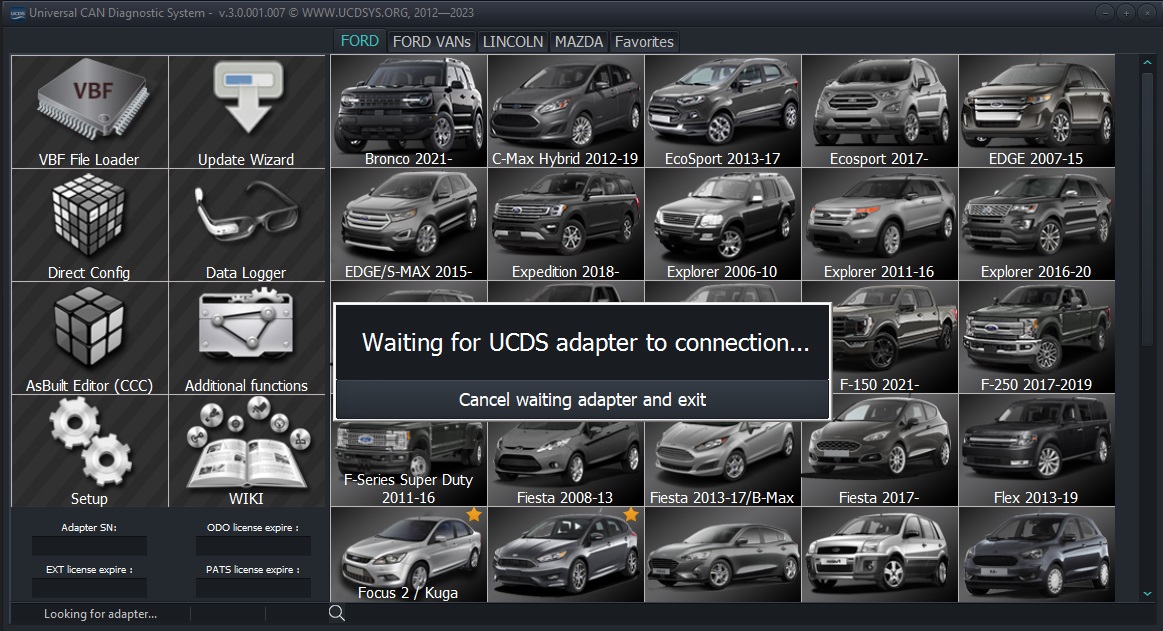
Waiting for adapter to connect
Note
Please note that the time required to locate and connect to adapter in wireless mode takes some time (usually 5-10 seconds) and as soon as you connect the adapter via USB, it will be found instantlyand initialized.
At any time you can click on the “Cancel waiting adapter and exit” button. The search for adapters will be stopped if the WIFI functionality is activated WIFI Direct\Hot Spot, these services will be turned off, and the program will be closed.
First Initialization
Warning
This operation requires an Internet connection!
If your adapter has never been used and you are the first owners of this adapter, a window will appear on the screen in which there will be the date of the initial programming of the adapter, its serial number, and as well as the types of activated licenses and their validity period.
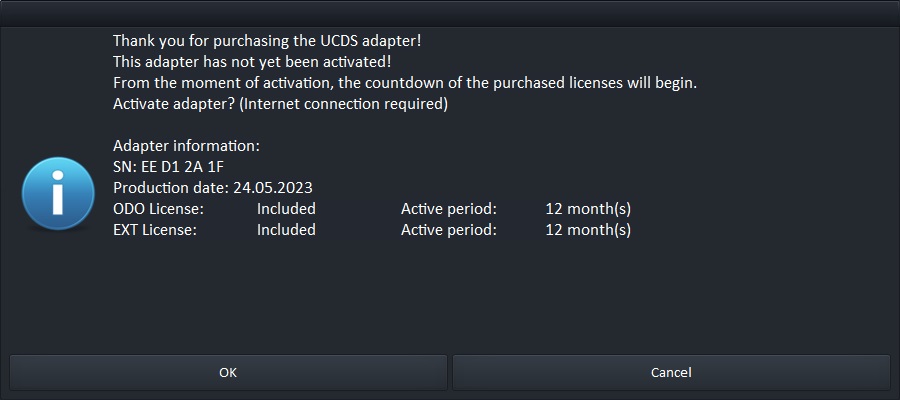
Initial adapter information
Press the Continue button to activate the adapter on the server and obtaining a license to run the software.
Note
License expiration times will be AUTOMATICALLY adjusted by the dateadapter activation.
Obtain permission to run software
Warning
This operation requires an Internet connection!
This request is required to check the validity of the adapter, update data on activated licenses. The request occurs automatically when starting the software and correctly detecting the adapter. The request is made through every 30 runs of UCDS software or once a month (whichever will happen sooner).
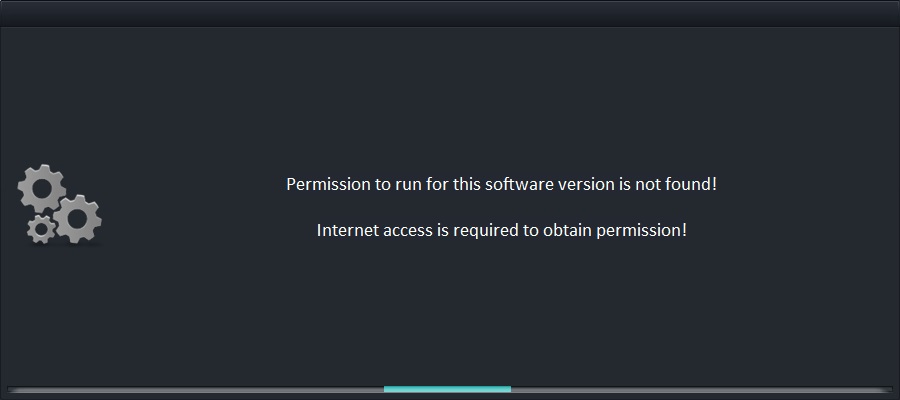
Request permission to launch
On successful receipt of permission or refusal, there will be an appropriate message. If successful, you must click on the “Continue” button and the program will continue its execution. In case of an error, you need to make sure there is an Internet connection and its operability. If the network The Internet is available and functioning correctly, you need to apply for support at this link (form in end of the page) and select the type of appeal “Support” and in the letter attach a screenshot of a window containing an error getting permission.
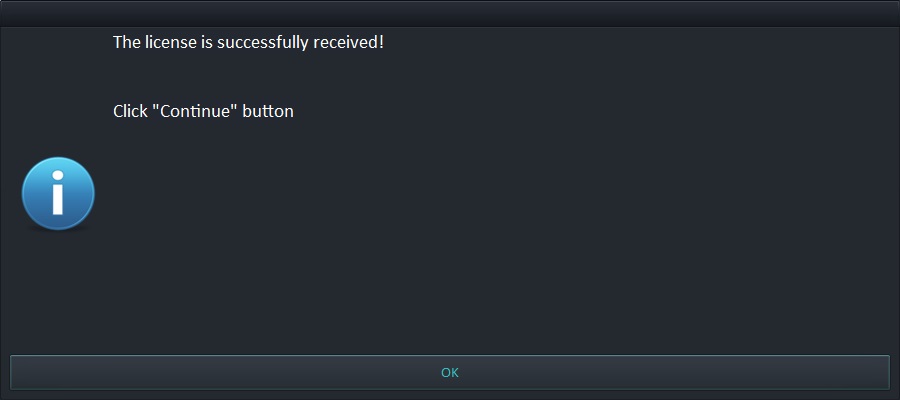
Successful Receive |
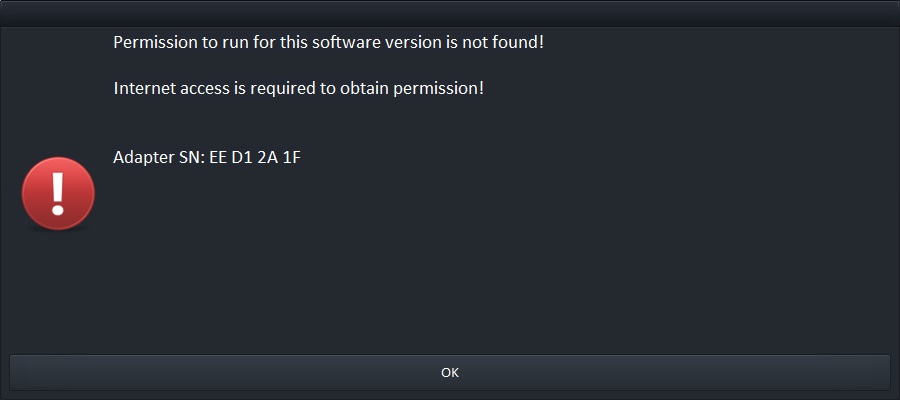
Finished with an error |